
What a Rejected Aligner Case Actually Means
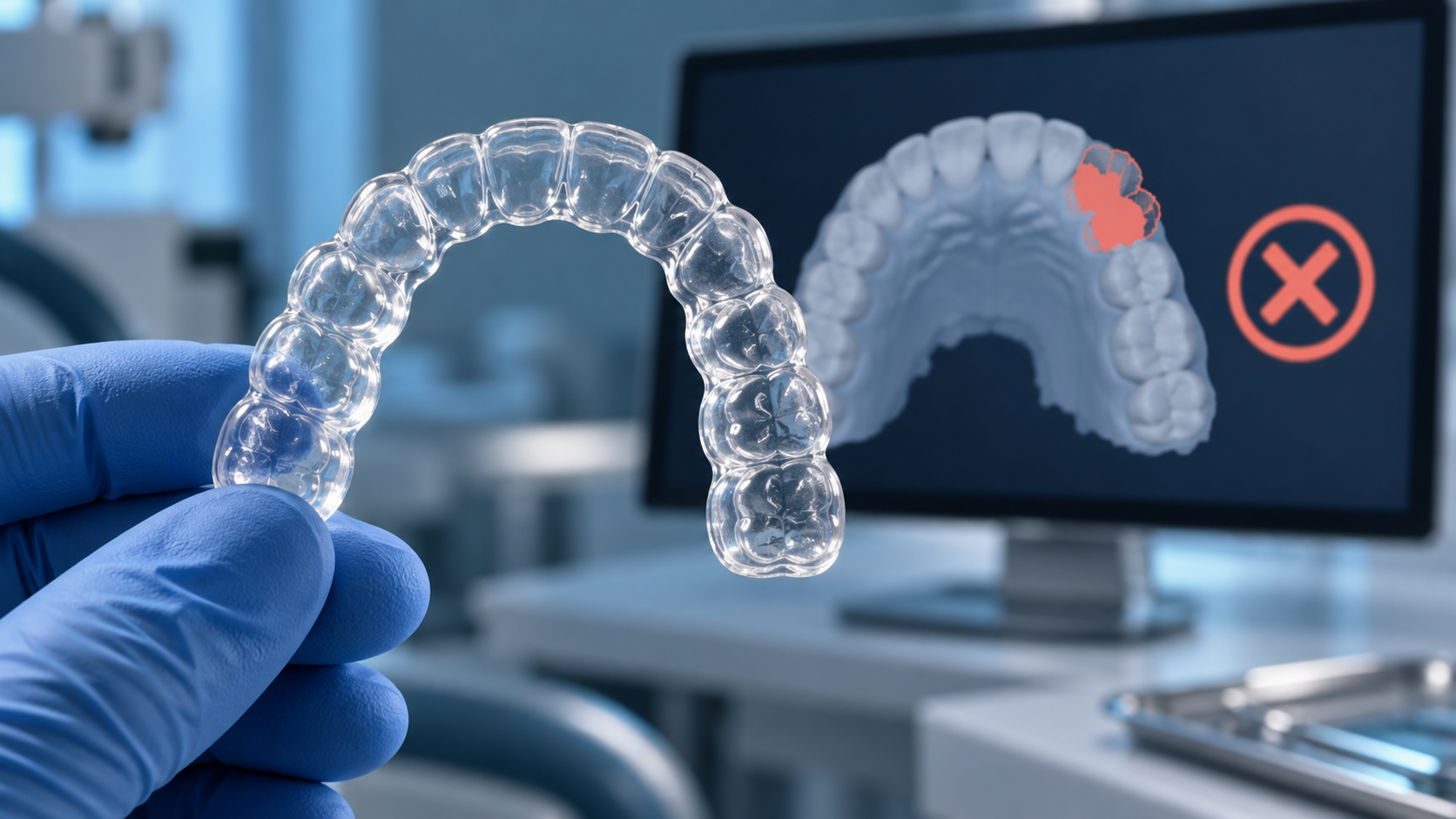
When a clear aligner case comes back from a manufacturer or planning team, it usually lands in one of three buckets. Some cases are put on hold because the scan or records can't support an accurate setup. Some are returned with questions because the prescription leaves too much open to interpretation. And a smaller number are declined because the malocclusion, or the patient's oral health, is outside what aligners can safely deliver.
The distinction matters because each one has a different fix. A hold is an operational problem, usually solved with a rescan or a missing upload. A query is a communication problem, solved with a clearer prescription. A clinical decline is a case selection question, and resubmitting the same case with better photos won't change the answer.
- Records holds: the scan, bite, photos or radiographs are incomplete or can't be trusted.
- Prescription queries: the planner can't tell what outcome you want or which movements are off-limits.
- Clinical declines: the case needs disease control, specialist input or a different appliance before aligners are appropriate.
Scan and File Errors That Stop a Case
The digital model is the foundation of everything a planner does: tooth segmentation, attachment design, trimline placement and, eventually, how every aligner seats. If the file can't be trusted, no amount of planning skill compensates for it. Scanner choice plays a part, and our guide to choosing an intraoral scanner for aligner workflows covers capture and export features in detail, but most scan problems come down to technique and a quick review before export.
Swipe to compare all columns →
| Scan Problem | Why It Blocks Planning | How to Fix It |
|---|---|---|
| Incomplete terminal molars | Last molars anchor the arch and often carry attachments or elastic cutouts; missing distal surfaces mean the aligner can't be designed to seat | Capture distal, occlusal and lingual surfaces of the last tooth in every quadrant |
| Missing gingival margin | Aligner trimlines are designed from the gingival contour | Scan a band of attached gingiva buccally and lingually, not just the crowns |
| Holes, voids and mesh artifacts | Software fills gaps by interpolation, creating contours that don't exist in the mouth | Rescan the area instead of relying on automatic hole-filling |
| Inaccurate bite registration | Occlusion is the reference for every AP, vertical and transverse movement | Record the bite on both sides in maximum intercuspation and confirm the arches articulate before export |
| Tissue, saliva or cheek distortion | Retracted tissue or pooled saliva registers as tooth surface | Dry and retract properly; trim stray soft tissue before export |
| Outdated scan | Teeth shift after extractions, new restorations or debonding | Rescan after any dental work that changes tooth position or shape |
| Wrong format or unaligned export | Closed proprietary files, or arches exported without their bite relationship, can't be planned | Export open STL files for both arches with the occlusion preserved |
A note on PVS impressions
Many manufacturers still accept physical impressions when a digital scan isn't available, but they add a digitization step and more places for error: drags, tears, bubbles at the margins and distortion in transit. If you rely on impressions, check margins and distal molars as carefully as you would on screen, and send a bite registration with every case.
Missing or Incomplete Clinical Records
A scan shows crowns and gingiva. It doesn't show roots, bone levels, restorations below the surface or the face the smile belongs to. Planners rely on records to fill those gaps, and when records are missing, the safe option is to stop and ask rather than guess.
- A full photo series. Extraoral frontal, smiling and profile views, plus intraoral frontal, buccal and occlusal images. Facial photos drive midline and incisal display decisions that a scan alone can't inform.
- Current radiographs. A panoramic radiograph shows root angulation, impacted or missing teeth and bone levels. A lateral cephalogram adds the skeletal picture when anteroposterior or vertical correction is part of the plan.
- Periodontal status. Bone loss and recession change how far and how fast teeth can safely move. Note probing findings and whether periodontal treatment is complete or ongoing.
- Restorations and prostheses. Implants don't move, and crowns, bridges and veneers affect attachment bonding and IPR. Flag each one so the planner treats it correctly.
- Missing and extracted teeth. The planner needs to know whether each space should be closed, kept open for a future implant or covered with a pontic.
- Relevant history. Previous orthodontic treatment, TMD symptoms, bruxism and any planned restorative work all change what a sensible setup looks like.
Unclear Treatment Goals and Prescriptions
"Straighten teeth, patient wants a better smile" is a patient goal, not a prescription. When instructions don't say which arches to treat, what bite relationship to finish in or which movements are off-limits, planners either make assumptions, and the setup comes back wrong, or they send the case back with questions. Either way, the case loses time.
What a plannable prescription includes
- Arches and scope. Upper, lower or both, and whether the goal is comprehensive correction or anterior alignment only.
- Bite goals. Target overjet, overbite and midline, and whether to correct the molar and canine relationship or accept the existing one.
- Space management. Whether IPR is permitted and on which teeth, and whether expansion, distalization or extraction is acceptable.
- Attachments and auxiliaries. Teeth that can't hold attachments, such as veneered or crowned teeth, and whether the patient will accept elastics.
- Teeth that must not move. Implants, ankylosed teeth, bridge abutments and anything else to be treated as a fixed anchor.
- Practical limits. Stage caps, product tier, timelines for events and any restorative work planned after aligners.
A clearer brief also makes the setup faster to review, because you're checking the plan against goals you've already written down. Our checklist on how to read and approve a 3D setup walks through that review stage. For groups submitting from several sites, a single practice-wide prescription form removes most of the variation between clinicians, a point we cover in our guide to choosing a manufacturer for multi-location practices.
When the Case Itself Is the Problem
Some cases are declined not because of what was sent, but because of what the mouth needs. Aligners express crown tipping and many rotations well, while root movement, large extrusions and rotations of rounded teeth are far less predictable. A responsible planning team will flag cases where a setup can look perfect on screen but the aligners can't deliver it.
Swipe to compare all columns →
| Clinical Issue | Why It's Flagged | Typical Path Forward |
|---|---|---|
| Active periodontal disease | Moving teeth through inflamed tissue risks further attachment loss | Stabilize and document periodontal health, then resubmit |
| Untreated caries or failing restorations | Restorative changes alter tooth shape and invalidate the scan | Complete restorative work first, then rescan |
| Skeletal discrepancy beyond camouflage | Aligners move teeth, not jaws | Consider surgical, fixed or hybrid mechanics with specialist input |
| Complex extraction space closure | Requires bodily movement and anchorage control that aligners find difficult | Plan with specialist input or consider referral |
| Impacted or ankylosed teeth | Aligner force alone can't move them | Surgical exposure, or plan around the tooth as a fixed unit |
If you treat complex malocclusions with aligners, our clinical guides on extraction cases, Class II correction and deep bite correction cover what realistic setups look like, and our overview of aligner-treatable cases is a useful starting point for case selection.
A Pre-Submission Checklist That Prevents Rejections
Most holds and queries can be eliminated with a two-minute review before the case leaves the practice. Build these steps into your team's workflow so every submission arrives complete.
- 1. Review the scan before the patient leavesRotate both arches on screen and check terminal molars, gingival margins, voids and the bite. A rescan now takes minutes; a recall takes a week.
- 2. Export correctlySend open STL files for both arches with the occlusion preserved, labeled with the patient reference and scan date.
- 3. Upload the full photo seriesExtraoral frontal, smiling and profile views, plus intraoral frontal, buccal and occlusal images, all in focus and well lit.
- 4. Attach current radiographsA panoramic radiograph as standard, and a lateral cephalogram when AP or vertical correction is planned.
- 5. Record periodontal and restorative statusList implants, crowns, bridges, veneers, missing teeth and any active periodontal or restorative treatment.
- 6. Write a complete prescriptionArches, bite goals, IPR and expansion permissions, attachment restrictions and teeth that must not move.
- 7. Flag anything unusualPlanned restorations, event deadlines, compliance concerns or a preferred staging approach belong in the notes, not in a follow-up email.
Not Sure Whether a Case Is Aligner-Ready?
Send the records to our planning team and we'll tell you what's missing, what's feasible and how we'd stage it before anything goes to production.
[email protected]How Clear Moves Aligners Reviews Every Case
At Clear Moves Aligners, cases submitted through our doctor portal are checked for file quality and clinical viability before planning begins, so gaps surface early instead of after a setup has been built. Complete digital submissions typically receive a 3D treatment plan within 24–48 hours, and you can request revisions in the portal until the plan matches your clinical intent. We accept open STL files from commonly used intraoral scanners and support PVS impressions when a digital scan isn't available.
The same review applies whether you're an individual clinician on our certified doctor program, a lab using our dental lab solutions, or a brand running white-label clear aligners. Aligners are produced under FDA 510(k) clearance and an ISO 13485 quality management system, and our guide to aligner manufacturing turnaround explains how complete submissions shorten the time from scan to delivery.
Use the checklist on your next submission. If a case does come back with questions, our planning team will tell you exactly what's needed, and why, so it moves forward on the next upload.
Frequently Asked Questions
Why was my clear aligner case rejected?
What scan problems cause aligner cases to be put on hold?
What records should I send with a clear aligner case?
Can a rejected aligner case be resubmitted?
How detailed should a clear aligner prescription be?
How quickly does Clear Moves Aligners plan a submitted case?
Worldwide